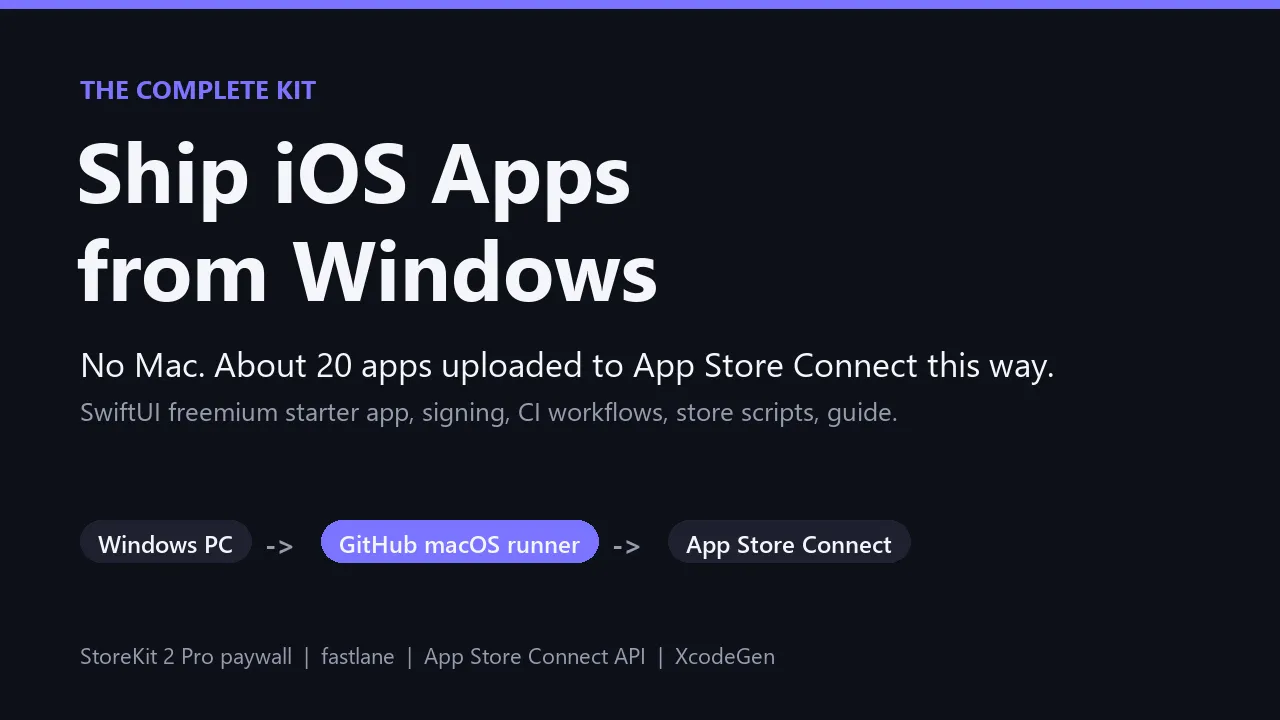
A Mac Mini is $599. This kit is $39.
Build, sign, screenshot and submit a native iOS app to the App Store from a Windows PC. No Mac.
You write the app on Windows. A GitHub Actions macOS runner compiles and signs it. Python scripts on your PC talk to Apple's App Store Connect API for everything else: the listing, the price, the in-app purchase and the submission. This kit is that whole pipeline, plus a starter app that already makes money the way small apps actually do: a free download with a one-time Pro purchase.
Who it is for
- Developers on Windows who want an iOS app without buying a Mac
- Indie builders using an AI coding assistant to write Swift (an agent skill file is included)
- Anyone who has fought Apple's signing, screenshots or first in-app purchase and lost a weekend to it
What is inside
- A freemium SwiftUI starter app. A content screen to replace with yours, a StoreKit 2 one-time Pro purchase, a paywall with Restore Purchases, a settings screen, a screenshot mode and an autopilot that records your App Review video by itself.
- Three GitHub Actions workflows. Compile, sign and upload; simulator build plus store screenshots; review video recording.
- App Store Connect scripts in Python, run from Windows: listing text, age rating, categories, price, review notes, the Pro in-app purchase with its price and review screenshot, screenshot replacement, and submitting a version together with its first in-app purchase.
- Signing on your own machine. One script creates your distribution certificate locally and puts it into GitHub secrets, so CI never burns through Apple's certificate limit.
- One config file. App name, bundle id, Pro product id, price and copy live in app.json; one command writes them everywhere else.
- GUIDE.md: zero to "Waiting for Review" step by step, a table of more than 25 real traps with their fixes, what we learned switching paid apps to free + Pro, and an honest account of a Guideline 4.3 spam rejection.
The proof
This pipeline was used to upload about 20 native SwiftUI apps to App Store Connect from one Windows PC, with no Mac anywhere. Every trap in the guide happened on one of those apps. Three that are live on the App Store right now, built and shipped with exactly this pipeline:
- Chain: Habit Tracker
- Ironbook: Workout Log
- Minder: Focus Eyes
Green GitHub Actions runs from one of those apps' public repo (the same workflows that ship in this kit): github.com/Mattbusel/chain/actions
Everything you download:
Free preview: the first 8 of 25+ traps in the guide
- POST /v1/apps returns 403. Apple's API cannot create app records. Fix: create it in the website once.
- Submission 409 APP_DATA_USAGES_REQUIRED. App Privacy not published. Fix: publish it before submitting.
- In-app purchase create fails. The Paid Apps Agreement is not active. Fix: activate it first.
- First IAP refused by the API (409). Apple requires the website for an app's first in-app purchase. Fix: submit.py, then Add for Review.
- Version went to review without its IAP. fastlane's submit sends only the version. Fix: dry run + submit.py when a version brings a new IAP.
- Build uploaded but not attached to the version. The upload finishes before Apple's processing does. Fix: submit.py attaches the newest valid build.
- Update went to review with LAST version's screenshots. fastlane skips the upload when screenshots were copied from the previous version. Fix: shots_replace.py, then --check must print MATCH.
- fastlane fails on metadata. Subtitle over 30 or keywords over 100 characters. Fix: config.py checks before you push.
The other 17+ (signing hangs, the PKCS12 MAC error, blank screenshots, the "Sign in to Apple Account" prompt over every screenshot, Xcode 26 stubs) are in GUIDE.md, each with its fix.
Honest limits
- You still need an Apple Developer Program membership ($99 a year, paid to Apple).
- The build runs on a GitHub macOS runner. You never touch a Mac, but a rented one does the compiling. Free on public repositories; private repositories use billed macOS minutes.
- Native SwiftUI only. Not React Native, Flutter or a web wrapper. You (or your AI assistant) write Swift, and the CI build is your compiler.
- Apple reviews every app. No kit can promise approval, and this one does not.
What's inside the download
- appstore.yml
- build.yml
- review-video.yml
- app.json
- Appfile
- Deliverfile
- Fastfile
- description.txt
- keywords.txt
- marketing_url.txt
- name.txt
- privacy_url.txt
- promotional_text.txt
- release_notes.txt
- subtitle.txt
- support_url.txt
- project.yml
- Contents.json
- icon-1024.png
- Contents.json
- Contents.json
- PrivacyInfo.xcprivacy
- App.swift
- AppConfig.swift
- Autopilot.swift
- Demo.swift
- HomeView.swift
- Model.swift
- PaywallView.swift
- Pro.swift
And 17 more files.

Made by Matthew Busel, a one-person studio in Tuckahoe, NY. About me. Questions: support@tensorust.com.
Bundles and kits
Ship iOS Apps from Windows
the complete kit
No Mac needed (a Mac Mini is $599; this is $39). SwiftUI starter app, CI workflows and App Store scripts that shipped ~20 apps from Windows.
Works or I fix it. If a file doesn't open or work as described, email support@tensorust.com within 30 days and I fix it or send a working copy. All sales are final, so check the screenshots or ask first.
- Updated
- Oct 2026
- File
- ZIP, 70 KB: 11 text files, 10 Swift files, 9 Python files, 4 YAML files
One-time price in US dollars, checkout by Stripe. After paying you land on a page with your download link. Each link works for 15 minutes, and reopening that page makes fresh ones.
- ios-from-windows-kit.zip
More in Bundles and kits
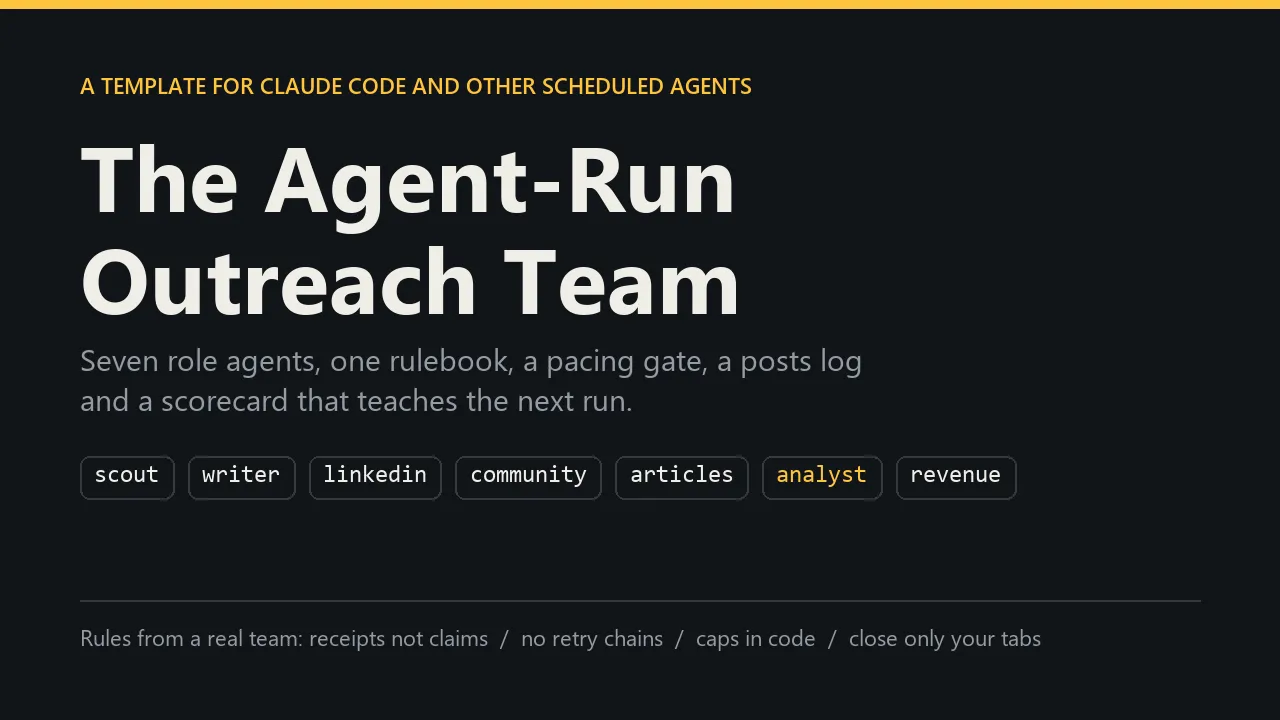
The Agent-Run Outreach Team
run social and distribution with AI agents
$49
Quant Strategy Templates Bundle
3 Backtested Notebooks
$99
Builder Stack + iOS
AI Builder Kit, Agent-Run Outreach Team and Ship iOS Apps from Windows
$82
Builder Stack
AI Builder Kit + Agent-Run Outreach Team
$55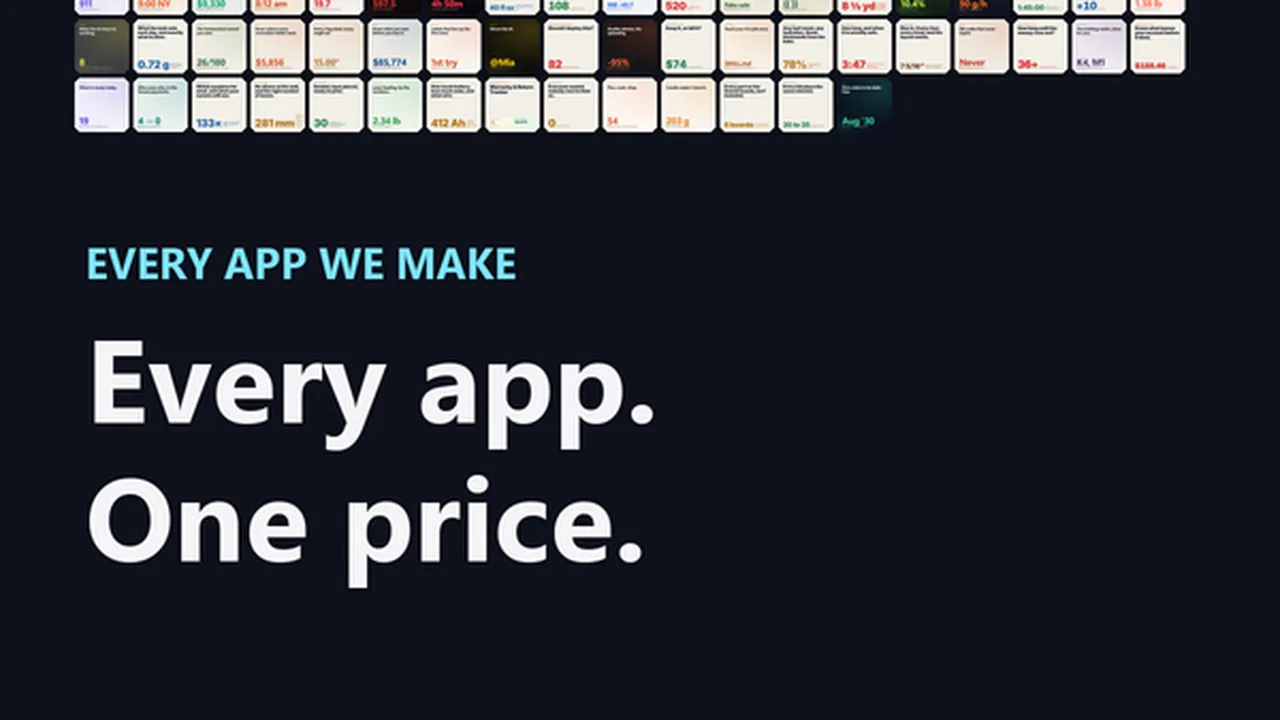
Every App
all 109 offline apps and spreadsheet tools in one purchase
$19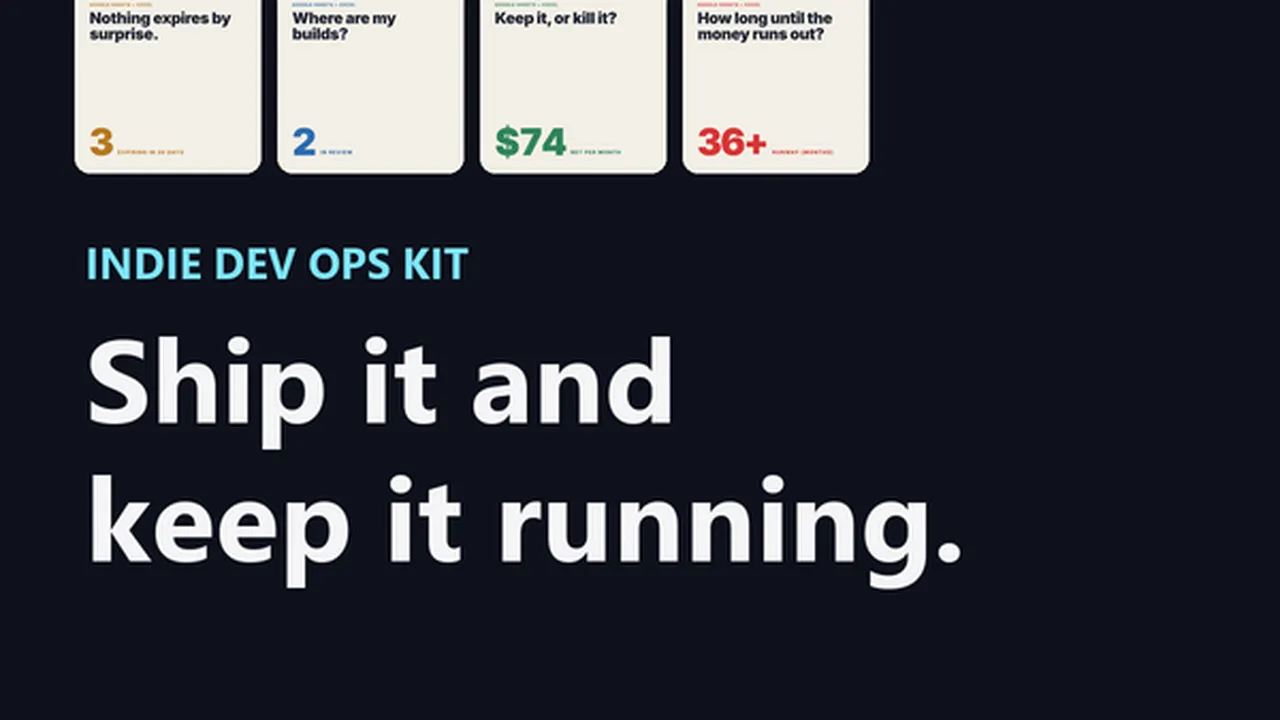
Indie Dev Ops Kit
8 Google Sheets + Excel trackers for launching and running side projects
$25